




Table of contents
Part 1 - What is an Expert Advisor (EA) in Forex Trading?
Part 2 - How Does MetaTrader 4 Work with Expert Advisors?
Part 3 - How to Enable Auto Trading on MT4?
Part 4 - Choosing the Right Expert Advisor
Part 5 - How to Program Your Own Expert Advisor in MQL4?
Part 6 - Key Elements of a Successful EA
If you’ve ever been frustrated trying to keep up with the fast-paced world of Forex trading, you're not alone. How to Start Forex Trading with Expert Advisor in MQL4? could be the answer you've been looking for. Expert Advisors (EAs) are like having your own personal assistant who works 24/7, executing trades automatically, so you can sit back, relax, and focus on other things while your strategy runs in the background.
Think of it this way: trading without an EA is like driving a car without cruise control — you're constantly adjusting the speed, making decisions on the fly. But with an EA, it’s like letting the car drive itself on a clear path, freeing you from that pressure. It’s all about automating the grunt work, making decisions based on hard data, and eliminating the emotional rollercoaster.
The best part? Getting started is easier than you might think. In this guide, we’ll walk you through the process of setting up your own Expert Advisor, from picking the right one to fine-tuning it for peak performance. No techy jargon or over-complicated steps — just simple, straightforward advice. Ready to take your trading to the next level? Let’s dive in.
What is an Expert Advisor (EA) in Forex Trading?
In the world of Forex trading, an Expert Advisor (EA) is a game-changer. Let’s break down its role and how it can make your trading life easier.
Definition and Purpose of an EA
An Expert Advisor (EA) is an automated trading software or program that runs on the MetaTrader platform. It follows a set of rules or an algorithm to execute trades based on predefined strategies. The main purpose of an EA is to automate the trading process, allowing for quick execution without human intervention. It minimizes emotions in trading and offers a hands-off approach, running 24/7 without needing your constant attention.

How EAs Automate Trading Decisions
EAs automate trading decisions by analyzing market conditions using algorithms and technical indicators. They scan for entry and exit points based on pre-set conditions, place orders, and monitor the market in real-time. The beauty of an EA is in its speed and precision — no delays, no emotional trading decisions, just pure automation.
Benefits of Using an EA in Forex
The benefits of using an EA in Forex are clear. It brings automation, allowing traders to take advantage of faster execution speeds and consistent strategies. With the ability to trade 24/7, an EA ensures you never miss an opportunity. It reduces emotional errors, enhances discipline, and offers backtesting capabilities for testing trading strategies over historical data. Plus, it provides diversification and consistent performance over time.
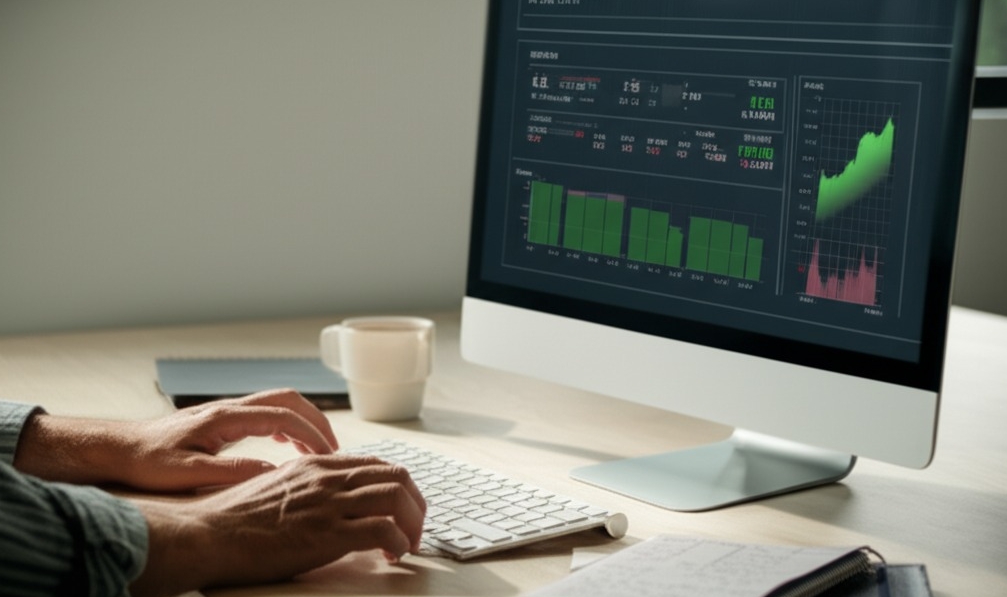
The Role of EAs in Risk Management
Risk management is a crucial aspect of trading, and EAs play an essential role in this area. EAs help by controlling position sizes, setting stop-loss and take-profit levels, and managing drawdowns. They follow the pre-set rules for risk control, ensuring that trades stay within safe limits. This automated risk management promotes discipline, even in volatile markets.
How Does MetaTrader 4 Work with Expert Advisors?
MetaTrader 4 (MT4) is a powerful platform that brings algorithmic trading to life, allowing traders to automate their strategies using Expert Advisors (EAs). Let's dive into how MT4 integrates with EAs, making trading smoother, faster, and more efficient.
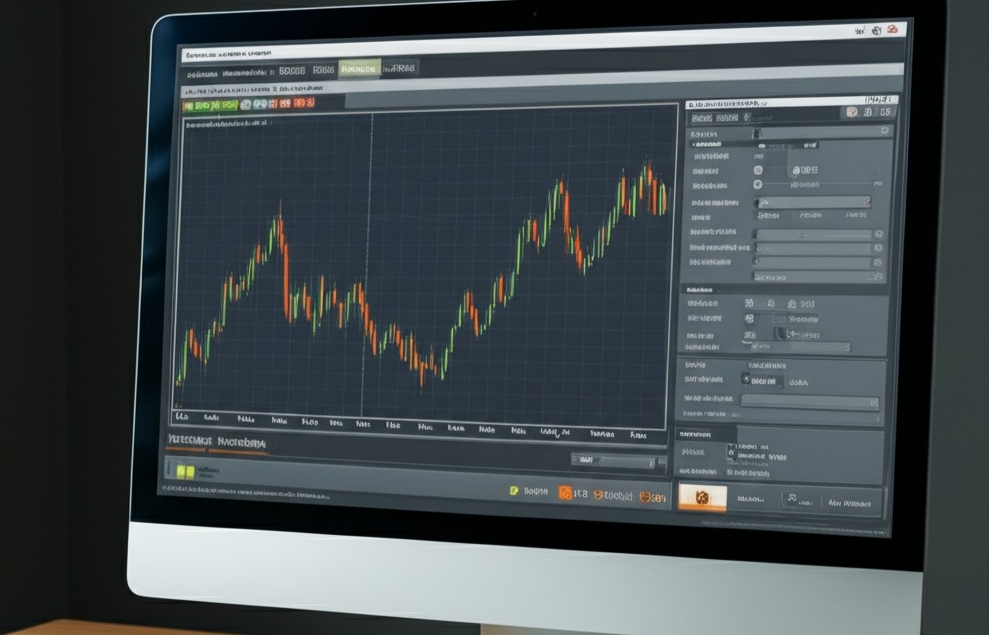
MT4 Overview: Key Features for EAs
MT4 platform is packed with features that make it ideal for using Expert Advisors. Here’s a quick overview of the most important ones:
Trading Automation: EAs run trades without manual intervention, automating your strategies.
Backtesting: You can test your EA on historical data to evaluate performance before going live.
Optimization: MT4 allows for optimizing your EA by tweaking parameters for better results.
MQL4: The language used to code EAs; it’s versatile and powerful, supporting custom indicators and scripts.
Trading Signals: You can subscribe to external signals that EAs can use.
These tools ensure that your trading operations are smooth and tailored to your needs, all within the MT4 platform.
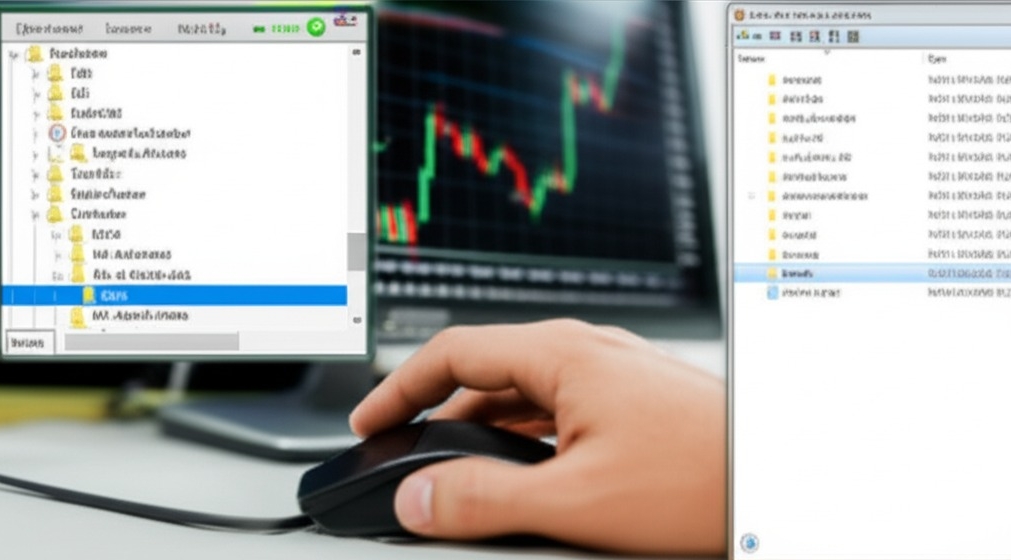
EA Installation Process on MT4
Installing an EA in MT4 is simple if you follow these steps:
Download the EA file (it should be an `.ex4` or `.mq4`).
Open your MT4 terminal and go to the Navigator window.
Drag the EA file into the Experts folder under MQL4.
Restart MT4 to ensure the EA shows up.
From the Navigator, drag the EA onto a chart to attach it.
Enable Auto Trading and adjust the settings under the Common tab.
Once done, your EA is ready to start executing trades automatically.
How MT4 Executes EA Instructions
MT4 processes EA instructions in real time, ensuring that trades are executed with precision. Here's how it works:
OnTick Function: This function gets triggered whenever new market data (tick) arrives, and it handles trade decisions based on your EA’s logic.
OnTimer Function: It runs at regular intervals, useful for tasks that don’t require real-time market data.
Trade Operations: The EA sends trade orders to MT4, which processes them immediately based on the market conditions.
Order Execution: Once an order is placed, MT4 handles the order management, including stop losses, take profits, and more.
MT4 processes these commands seamlessly, executing your trading strategy based on your coded instructions.
How to Enable Auto Trading on MT4?
Enabling auto trading on MetaTrader 4 (MT4) is essential for making your Expert Advisor (EA) work. By setting it up correctly, your EA can execute trades automatically based on your strategy, and you don’t need to monitor the market all the time. Here’s how to set it up and ensure it’s working properly.
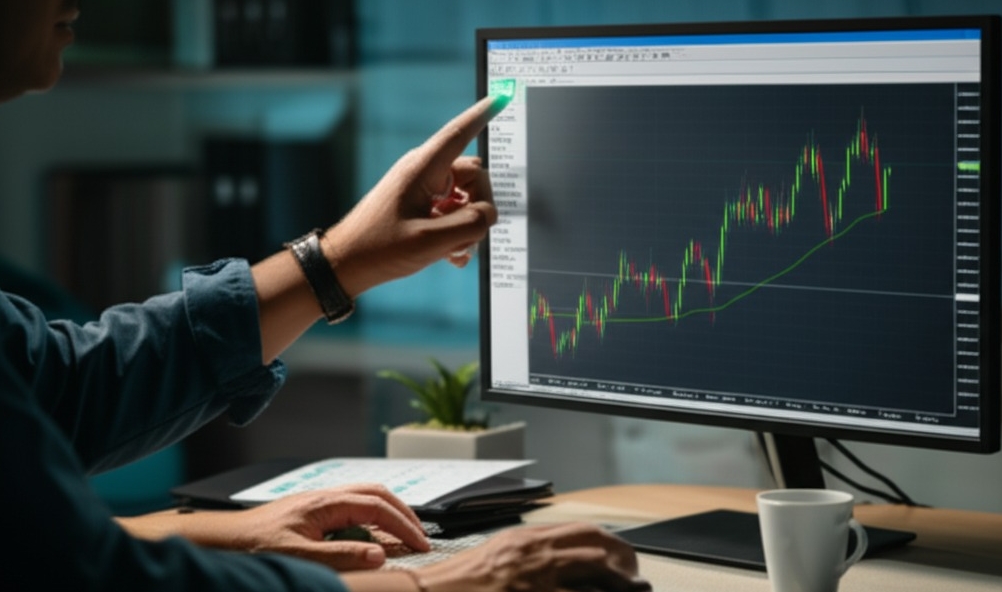
Step-by-Step Guide to Enabling Auto Trading
Log in to MT4: Open the MetaTrader 4 platform and enter your trading account credentials.
Activate Auto Trading: Locate the "AutoTrading" button at the top of the platform. Click it to turn it on. When it’s activated, it will show a green light.
Connect Your Broker's API: Ensure your broker’s connection settings are properly configured. This step allows your account to communicate with the EA.
Add the EA to a Chart: In the Navigator panel, find your EA, and drag it onto a chart of the currency pair you want to trade.
Configure the EA Settings: After placing the EA, a configuration window will appear. Set the strategy parameters, such as risk level, lot size, and timeframes that the EA will follow.
Once everything is set, your EA will begin trading automatically, executing orders based on your programmed strategy — no need for you to stay glued to your screen!
Common Settings to Adjust for Auto Trading
To ensure your EA runs smoothly and minimizes risks, there are some critical settings you should adjust:
Stop Loss & Take Profit: These are your safety nets. Set your Stop Loss to limit losses and Take Profit to automatically exit profitable trades when the price hits a specific level.
Position Sizing: This setting helps you control how much of your account balance is used in each trade. Adjust it based on your risk tolerance to avoid overexposing your account.
Leverage & Slippage: Keep leverage within a reasonable range to avoid high risk. Adjust the slippage settings to avoid major discrepancies between the expected and actual execution price during volatile times.
Order Types & Timeframes: Depending on your strategy, you’ll want to specify the type of order your EA should use, such as market or pending orders. You can also adjust the timeframe your EA should focus on to execute trades.
By carefully adjusting these settings, you can make sure that your EA trades effectively according to your risk management preferences, while also adhering to your overall trading strategy.
Choosing the Right Expert Advisor
Choosing the right Expert Advisor (EA) can be a game-changer for your trading journey. A good EA will align with your strategy, goals, and risk profile. Let’s break down how to choose the perfect EA for your needs.
Evaluating Your Trading Goals and Strategy
Choosing an EA without evaluating your trading goals is like picking a car without knowing where you’re going. Start by asking yourself: What are your risk tolerance and return expectations? Consider your strategy—are you a day trader looking for quick wins, or a swing trader focusing on longer trends? A well-chosen EA should enhance your trading style, help manage risk, and stick to your portfolio’s time frame. For instance, if you're into high-frequency trades, you’ll need an EA designed to execute orders fast, while longer-term traders might prioritize EAs that minimize risk and optimize portfolio growth.
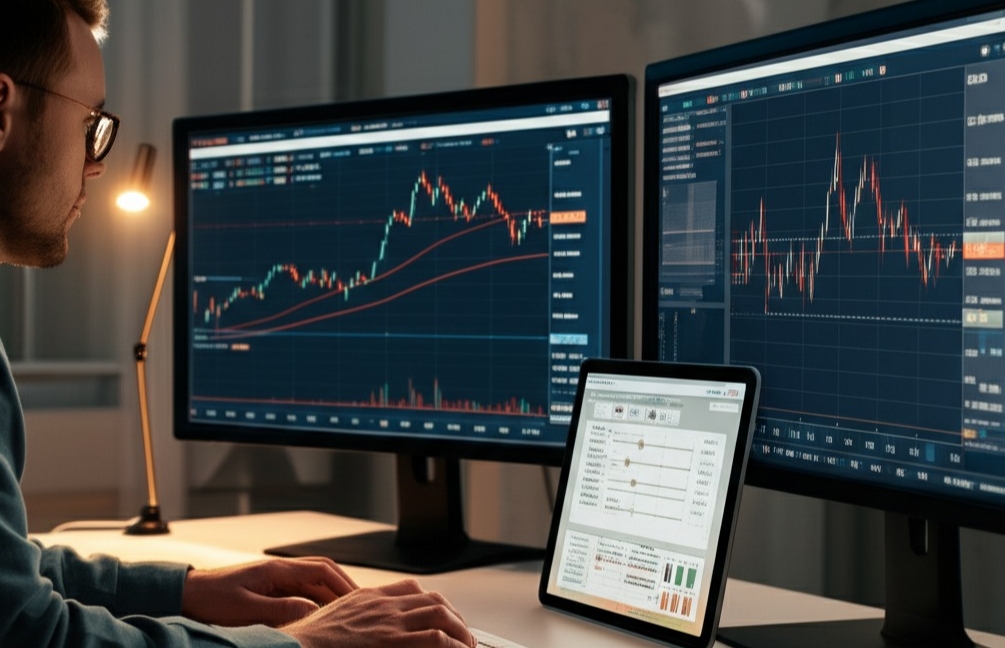
Key Features to Look for in an EA
When selecting an EA, think of it like shopping for a tool to help you with a task. The most important features to look for include:
Automation: Can the EA handle the full trading process, from opening trades to managing them?
Backtesting Capability: Does the EA let you test it with historical data to see how it would’ve performed in past market conditions?
Reliability: Is the EA known for consistent performance, or does it frequently fail under certain conditions?
Customizability: Does the EA allow you to adjust parameters, like lot size, risk levels, and trade frequency, to suit your needs?
Customer Support: Does the EA come with a responsive support team for troubleshooting?
Updates and Maintenance: A good EA gets frequent updates to keep up with changing market conditions and platform updates.
Free vs. Paid EAs: What’s the Difference?
Free EAs can look like a tempting deal, but they might not be worth it in the long run. Here’s a breakdown:
| Feature | Free EAs | Paid EAs |
|---|---|---|
| Cost | No cost | Price varies (usually one-time or subscription) |
| Performance | May perform inconsistently | Typically optimized for stability and performance |
| Support | Limited or no support | Full customer service and troubleshooting |
| Updates | Rarely updated | Regular updates based on market changes |
| Customization | Limited customization options | Full customization to suit trading style |
| Risk Management | Basic or no risk management | Advanced risk management features |
Paid EAs often offer better overall performance, updates, and support. Free EAs can be useful for beginners, but serious traders may want to invest in a paid EA for greater control and performance.
Understanding EA Performance and Reviews
To ensure you’re choosing a solid EA, it’s crucial to review its performance metrics. Look for:
Backtesting Results: Does it perform well on past data, or does it fall short under certain market conditions?
Live Trading Performance: Backtesting can be a good indicator, but live performance is where it counts. Check for discrepancies.
Drawdown: How much are you willing to lose before the EA stops trading? An EA with low drawdowns might be safer but could also limit your profits.
Profit Factor: This metric compares the gross profit to the gross loss. A profit factor greater than 1 is desirable.
Customer Reviews: What are other traders saying about this EA? Positive feedback and ratings can confirm that an EA is reliable and worth investing in.
For example, an EA might look great in backtesting but fail in real-world market conditions, so it's essential to analyze reviews and performance metrics carefully before purchasing.
Common Red Flags to Watch Out For
There are certain red flags that should make you think twice about an EA:
Unrealistic Promises: Beware of EAs claiming guaranteed profits or making bold, impossible promises. Trading is risky, and no EA can guarantee success.
Lack of Transparency: If an EA doesn’t provide clear details about its algorithm, results, or trading strategy, it’s a sign to be cautious.
Poor Reviews and Complaints: Take note of recurring complaints about a specific EA. If traders consistently report issues, chances are you’ll encounter similar problems.
Unverified Claims: Be cautious if an EA’s performance results aren’t independently verified. Transparency is key.
No Risk Management: EAs that don’t include solid risk management features (e.g., stop-loss or drawdown limits) can be a risky choice.
No Regulation: Ensure the EA comes from a trusted and regulated developer to avoid scams.
By taking the time to evaluate these factors, you’re setting yourself up for success. Choosing the right Expert Advisor is all about finding the right fit for your trading style, goals, and risk tolerance. Use these tips to guide your selection process, and you’ll be well on your way to a smarter, more efficient trading strategy.
How to Program Your Own Expert Advisor in MQL4?
Coding your own Expert Advisor in MQL4 sounds scary at first—but with the right tools and structure, it’s more doable than you think.
Introduction to MQL4 Programming Language
MQL4 is the backbone of custom EA development on MetaTrader 4. It’s a C-like programming language tailored for trading. Learn the syntax, master basic data types like int, double, and bool, and get familiar with functions, variables, and operators.
| Element | Type Example | Use Case Example |
|---|---|---|
| Variable | double lot | Controls trade volume |
| Function | int OnTick() | Handles real-time logic |
| Data Type | bool | Used for true/false flags |
Writing Basic Code for EAs
Here’s where the magic happens: creating the structure of your EA. A basic EA skeleton includes three main functions:
OnInit()– Runs once when the EA starts.OnTick()– Executes every market tick.OnDeinit()– Cleans up when the EA stops.
You can build logic using if statements, loops, and use built-in indicators. Think of it like writing a recipe your EA will follow every second of the trading day. Start small—maybe open a buy trade when the moving average crosses up. Simple and clean.
Debugging and Testing Your MQL4 Code
“Debugging is like detective work,” says EA developer Anton Gavrilov. “Your code always tells the truth—you just have to listen to it.”
Strategy Tester: Runs historical data to simulate trades.
Print() and Alert(): Outputs variable values and alerts.
Breakpoints: Pause code to inspect variable behavior.
Logs are your best friend. If something’s off, check the Experts and Journal tabs in the terminal. Backtest hard before going live—it’ll save your account (and your sanity).
Key Elements of a Successful EA
Smart Expert Advisors aren’t built by luck—they’re crafted with the right ingredients. This section breaks down the must-haves for a profitable, reliable EA setup.
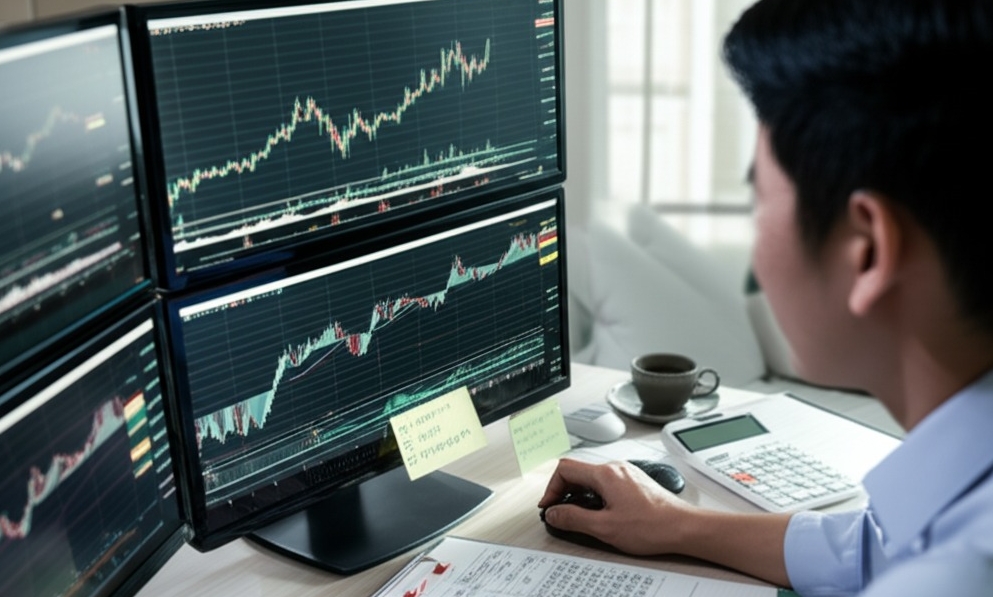
Building a Strong Trading Strategy
You wouldn’t build a house without a blueprint, right? Same goes for trading. A strong strategy is your EA’s foundation.
Combine technical indicators like RSI or MACD for reliable entry/exit rules
Keep your system rules clear and avoid overcomplication
Regularly review and optimize parameters based on recent performance
"A solid trading strategy should be simple, consistent, and data-driven." — Steve Nison, technical analysis pioneer
Effective Use of Risk Management
Letting your EA run wild with no guardrails? That’s a one-way ticket to burnout—financially speaking.
Define clear stop loss and take profit levels
Use position sizing based on your capital exposure
Diversify across strategies to mitigate drawdown
Risk management is the seatbelt in algorithmic trading. It won’t prevent the crash, but it’ll keep you alive.
Importance of Backtesting for EAs
Before your EA hits the live charts, it needs to pass the simulation battlefield—backtesting.
Use high-quality historical data
Run strategies through the Strategy Tester
Watch for overfitting that fakes good results
| Strategy | Win Rate (%) | Max Drawdown (%) |
|---|---|---|
| ScalperX | 65.4 | 12.3 |
| TrendBot | 59.8 | 9.7 |
| GridPro | 72.1 | 18.2 |
Backtesting without proper validation is like guessing your lottery numbers.
Optimizing Code for Efficiency and Performance
Clean, lean code keeps your EA fast and smooth—just like a high-performance engine.
Profile with MT4's built-in tools to catch slow functions
Refactor code for memory and speed efficiency
Avoid unnecessary loops and logic bloat
If your MQL script chokes under load, your trades won’t execute when it matters most. Don't just make it work—make it work fast.
How to Test and Optimize Your EA?
Before you let your EA loose on real money, testing and fine-tuning it is a must. This cluster explains how to check performance and dial in better results.
Backtesting Your EA: Why It Matters
Backtesting is like taking your Expert Advisor on a time machine ride through the market. By using historical data, you can simulate how your trading strategy would have performed — a solid way to spot bugs, validate logic, and understand its potential profitability or risk.
Backtesting reveals the EA’s weak spots before real money gets involved.
Look at metrics like profit factor, drawdown, and win rate to evaluate performance.
“If you’re not backtesting, you’re just guessing.” – Mark Fricton, QuantEdge Analytics
| Metric | Ideal Range | Purpose |
|---|---|---|
| Profit Factor | 1.5 – 2.0 | Measures returns vs. losses |
| Max Drawdown | < 20% | Gauges risk and capital dips |
| Win Rate | > 55% | Shows consistency in trades |
Optimizing Your EA for Better Results
Sometimes, your EA just needs a little tweaking to go from “meh” to “money-maker.” Optimization is all about fine-tuning those input settings to squeeze out better performance.
Start by adjusting key parameters like lot size, take profit, and stop loss.
Run multiple tests using different combinations (this is called parameter sweep).
Focus on consistent results, not just one killer run. If it only works in 2020 and bombs in 2021, it’s probably overfitted.
Pro tip: Use “Walk Forward Optimization” to reduce curve-fitting and keep things real.
Common Mistakes with Expert Advisors
“Expert Advisors can make you money while you sleep, though they can wipe you out just as fast if you get careless,” shared Mark Peterson, senior Forex strategist at FXStreet. Many traders get dazzled by perfect backtest charts and fancy optimization results, only to watch those dreams collapse when real money hits the market.
Backtesting errors pop up when traders test only on cherry-picked data. Over-optimization looks pretty on paper, though it usually fails when spread spikes, slippage, and broker limitations hit during live trading. A client once told me his EA turned $1,000 into $25,000 in six months on demo. He skipped proper live testing. Slippage and inconsistent execution crushed him within three weeks.
Here are pitfalls that seasoned traders and newbies admit trip them up all the time:
Relying on unrealistic backtest results without stress testing multiple currency pairs and time frames
Ignoring live trading differences like server latency and broker execution limits
Failing to adjust for slippage and spread widening during high volatility
Missing tiny code errors that trigger wrong trades or crash the whole EA
Running EAs with no backup plan for risk management failure
John Smith, a senior analyst at DailyFX, says it best: “One tiny bug or wrong parameter can undo months of profit overnight.” Never trust an EA without testing it under real market pressure. Double-check every input. Keep a risk plan tighter than a drum. Consistent profit comes from discipline, not hope. Trade smart, verify twice, and let your Expert Advisor be a tool — not your blindfold.
Conclusion
You’ve got the tools to kickstart your Forex journey with Expert Advisors. These automated systems can take the stress off your shoulders, helping you trade smarter, not harder. It’s time to put what you’ve learned into action. Dive in, test out your EAs, and tweak as needed—success in trading comes from learning and refining along the way. As Warren Buffett once said, "The stock market is a device for transferring money from the impatient to the patient." So, take your time and let automation work for you!
An Expert Advisor (EA) is a software program that automatically executes trades on the MetaTrader platform based on predefined rules and conditions. It’s like having a robot that works for you 24/7, taking care of your trades while you sleep, or even when you’re busy doing other things.
Why use an EA in Forex?
It automates trading strategies, making decisions for you.
Reduces emotional trading and errors.
Trades according to clear, data-driven rules.
Allows you to trade across different time zones without being glued to the screen.
Setting up an EA on MT4 is a straightforward process. Here’s how:
Once this is done, your EA will begin executing trades according to its set strategy.
Download the EA and save it in your Experts folder on MT4.
Restart MT4 to refresh the platform.
Go to the Navigator window and drag the EA onto your chart.
Enable Auto Trading by clicking the Auto Trading button on MT4.
Yes, you can use more than one Expert Advisor on your MT4 account. However, you need to be mindful of a few things:
You might need to adjust settings to ensure they don’t interfere with each other, but it’s definitely doable.
Ensure each EA is assigned to a different chart.
Each EA should have its own unique strategy to avoid conflicts.
Be cautious of resource usage — too many EAs might slow down your system.
Testing your EA is crucial before going live. The best way to do this is through backtesting in MT4. Here’s how you can do it:
Backtesting ensures that your EA behaves as expected, giving you confidence before trading with real money.
Open the Strategy Tester in MT4.
Choose the EA, symbol, and timeframe to backtest.
Run the test to see how your EA would have performed in the past.
Adjust settings if needed, and re-test until you’re satisfied with the performance.
Some common mistakes traders make with Expert Advisors include:
Overloading with too many EAs: Running multiple EAs can cause conflicts or slow down your platform.
Ignoring risk management: Not setting proper stop-loss or take-profit levels can lead to major losses.
Trusting an EA without testing: Failing to backtest your EA thoroughly before going live is a huge mistake.
Not adjusting for market conditions: An EA might work well in one market but fail in others. Always adjust according to market trends.
Choosing the right EA depends on your trading style and risk tolerance. Here are some tips to help you decide:
It’s all about finding an EA that aligns with your personal trading preferences and goals.
Evaluate your trading goals: If you're a scalper, you’ll need an EA designed for short-term trades.
Check performance history: Look at reviews and test results from other traders.
Consider the EA’s features: Does it include risk management tools like stop-loss and take-profit?
MQL4 is the programming language used to develop Expert Advisors for MetaTrader 4. If you want to create your own custom EAs, learning MQL4 is essential.
However, you don’t *have* to be a coder to use EAs. There are plenty of pre-made EAs available that you can download and use. But for those interested in customizing or creating their own strategies, MQL4 is the way to go.
To evaluate if your EA is doing well, you should consider these factors:
Profitability: Is your EA consistently making profitable trades?
Drawdown: How much of your account balance is at risk? A high drawdown is a warning sign.
Win rate: What percentage of trades does the EA win? This should be above 50% for a good EA.
Risk-to-reward ratio: Make sure your EA has a favorable risk-to-reward ratio, ensuring that the rewards outweigh the risks over time.
It’s a good idea to update your EA regularly to ensure it stays aligned with current market conditions. Some reasons for updating include:
Always check for updates from the EA developer to keep your system running smoothly.
Strategy adjustments: The market can change, and your EA might need tweaks.
Bug fixes: Developers may release updates to fix any errors or bugs.
Improved performance: New updates might come with enhancements that improve the EA's efficiency.

