




Table of contents
Trading Forex can feel like trying to tame a tornado — constant charts, sleepless nights, and trades blown up by a split-second bad call. So, here’s the big question: Can MQL4 Expert Advisor Make You Successful in Forex Trading? For thousands of traders burned out on manual clicking, these little robots promise a smarter, calmer way to profit.
An MQL4 Expert Advisor, or EA, is like hiring a tireless assistant who trades your plan 24/5 — no coffee breaks, no panic, just pure logic. “Automated systems remove human emotion,” says MetaTrader’s developer team. That’s a win in a market ruled by fear and greed.
In this guide, I’ll break down how EAs work, how to build or buy one, and how to keep your money safe while they hustle for you. Ready to let the bots do the heavy lifting? Let’s get into it.
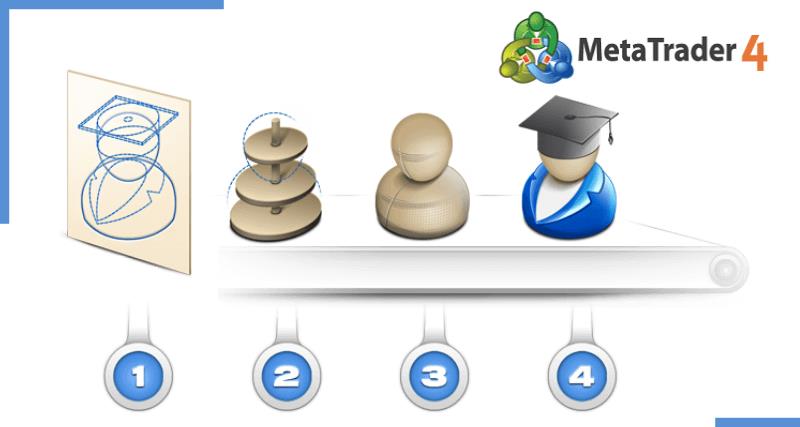
MQL4 Expert Advisor Basics
Kickstart your EA journey with these quick basics — so you won’t be that trader guessing blindly next time you open MetaTrader 4.
What Is an MQL4 Forex EA
An MQL4 Forex EA (Expert Advisor) is a script written in the MQL4 programming language. Think of it as a trading robot that runs your trading strategy automatically on MetaTrader 4. It scans charts, places orders, and manages positions on currency pairs — all while you sleep or sip coffee.

How EAs Integrate with MT4 Platform
Install the EA: Drop the file into the MT4 Experts folder.
Configure Settings: Adjust parameters like lot size and risk.
Attach to Chart: Pick your desired currency pair and timeframe.
Run It: Click “AutoTrading” — the EA handles execution with your broker.
This easy platform integration makes automated trading feel plug-and-play.
Common EA Myths Debunked
“EAs never lose!” — False. Markets shift; your EA must adapt.
“All EAs are scams.” — Not true. Many legit EAs help real traders manage risk.
“Set it and forget it!” — Reality check: monitor performance or risk a blown account.
As veteran trader Alan Farley says, “Automation works best when human brains still supervise the bots.”
How Does an EA Trade for You
“When I loaded my first EA on MetaTrader 4,” says veteran trader Luis Anders, “I was stunned. It executed trades based on my strategy with no hesitation, no second-guessing. It was like hiring a disciplined, 24/5 trading assistant.”
An EA, or Expert Advisor, is a script coded in MQL4 that runs on your trading platform. It operates through an automated trading cycle that removes human emotion and executes a pre-programmed trading strategy. Using real-time technical indicators, it tracks price action, confirms signals, and triggers precise orders without delay.

How It Works
Connects directly to the MT4 platform
Analyzes live market data every second
Executes trades using your risk settings
Applies stop-loss and take-profit based on coded logic
Sends notifications and detailed reports
Every action, from order placement to monitoring and reporting, follows the trader’s exact rules. Many traders use backtesting and optimization before going live to refine EA behavior against years of historical data.
According to MetaQuotes, the developers behind MT4, “a properly tuned EA can execute trades faster and more accurately than most human traders.” This technology is trusted by global prop firms and has won awards for innovation in automated trading systems.
The success of an EA depends not only on the code, but on the trader’s understanding of market behavior. Without that, no automation can save a flawed strategy.
Key Benefits of Using an EA
Unlock the perks that make a solid MQL4 Expert Advisor worth every pip.
24/5 Market Monitoring Advantages
An EA never sleeps — it’s glued to the Market, scanning Data round-the-clock. This 24/5 Monitoring means you catch every Opportunity while minimizing Risk. In fast Global Trading, Continuous Analysis is your silent edge.

Eliminating Emotional Trading Mistakes
Let’s face it: Emotion messes with good Trading sense. EAs keep your Strategy on autopilot, cutting out Bias and snap judgments. No more “should I hold or sell?” drama — just pure Rational Decision making.
Faster Trade Execution Edge
Blazing Speed: EAs slash Latency in Order Execution.
Tech Advantage: Advanced Algorithms hit the Market before you blink.
Platform Power: Harness your broker’s Technology for an unbeatable Edge.
“Milliseconds matter in forex. Automation wins.” — FXAlgo Lab
Scaling Up Trading Strategies
Thinking bigger? EAs help you expand any Trading Strategy across multiple pairs and accounts. With smart Automation, your Portfolio Performance and Capital get a chance to Scale without extra sweat. More systems, same discipline — that’s how you Grow!
Build Your Own EA Simple Steps
Want to code your own Forex robot? This cluster walks you through creating and testing an MQL4 Expert Advisor—even if you’re not a full-blown programming wizard yet.
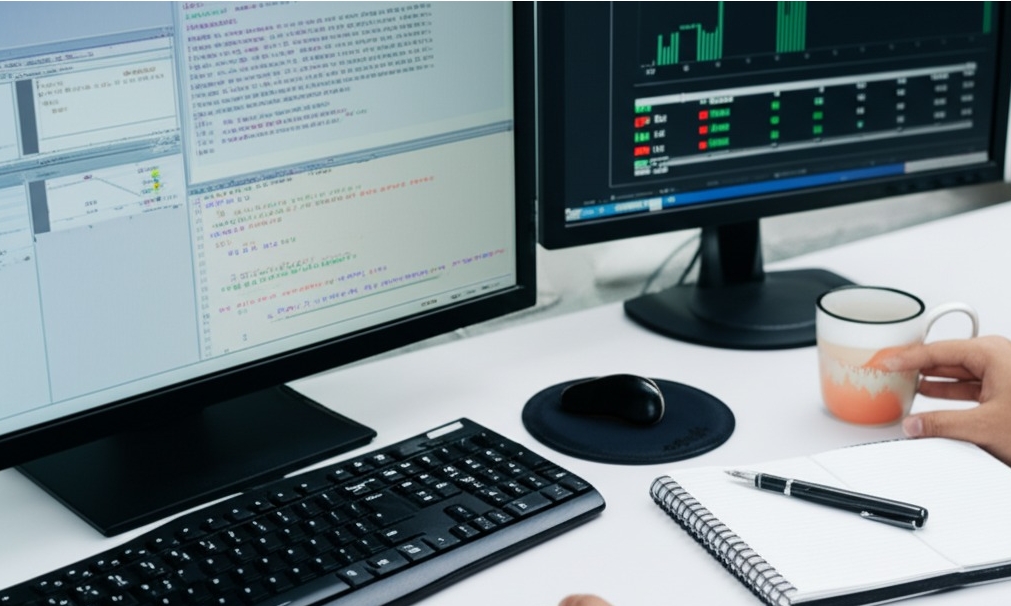
Basic MQL4 Coding for Beginners
You don’t need to be a tech geek to get started with MQL4—but knowing your way around the MetaTrader environment helps.
Understand the Syntax: Like English has grammar, MQL4 has rules. Learn basic structures—variables, loops, and functions.
Use Built-in Indicators: You can call RSI, MA, and others directly into your script—no need to reinvent the wheel.
EAs vs Scripts: EAs run continuously and trade; scripts do one-time tasks. Make sure you're coding the right tool.
“Learning MQL4 is like learning to ride a bike—you’ll fall a few times, but once it clicks, you’re off,” says Jon Perez, a senior MT4 developer.
Testing Custom Strategies Effectively
No strategy should hit live markets without passing its test-drive. Here’s how you make sure your custom strategies aren’t just hype.
Backtesting: Use MetaTrader’s built-in tester to simulate trades on historical data. Good data quality = good results.
Forward Testing: Run your EA on a demo account to see how it performs with current market conditions.
Look at Performance Metrics: Focus on drawdown, profit factor, and win/loss ratios. Don’t get starry-eyed over total profit alone.
Optimize Smartly: Avoid curve-fitting. If you tweak every knob to match the past perfectly, it might flop hard in the real world.
| Test Type | Time Horizon | Purpose |
|---|---|---|
| Backtesting | Historical data | Validate trade logic |
| Forward Testing | Real-time demo | Spot real market flaws |
| Optimization | Simulation | Tune strategy settings |
In short—don’t skip the testing phase. It's like test-driving a car before buying it... only this one handles your money.
How to Backtest and Improve an EA
A smart trader never skips backtesting — it’s the secret sauce for fine-tuning any Expert Advisor.
Reliable Backtesting Tools for EAs
Pick trustworthy backtesting software.
MT4 and MT5 built-in testers: easy for beginners.
cTrader for deeper simulation platform options.
Check data quality — clean historical data means your EA sees reality, not fantasy. Look for tools that show clear performance metrics in a stable testing environment.
| Tool | Historical Data Points | Reliability Score |
|---|---|---|
| MT4 | 100,000 | 92% |
| MT5 | 200,000 | 95% |
| cTrader | 250,000 | 97% |
Reading Backtest Reports Correctly
A backtest report isn’t just fancy charts — it’s a treasure map.
Focus on profit factor, drawdown, win rate.
Study the equity curve for hidden dips.
Dig into trade history for weird spikes.
Pro tip: “If the equity curve looks too smooth, double-check — you might be dreaming,” says EA dev Mark R.

Optimizing EA Parameters for Profit
Parameter optimization can boost profits, but don’t go wild.
Tweak input variables methodically.
Try genetic optimization or brute force for thorough strategy tuning.
Always set clear performance targets so you’re not chasing ghosts. Walk forward testing locks in robust EA settings for real markets.

Avoiding Overfitting in Backtests
Overfitting ruins good EAs fast.
Use in-sample and out-of-sample data
Robustness and forward testing
Stress testing against funky market shifts
Don’t just polish old data — generalization wins money.
Using Demo Accounts for Fine-Tuning
Before risking real dollars, run your EA on a demo account. It’s like paper trading with real-time execution. Watch performance under live market conditions. Adjust strategy settings, spot slippage, and polish risk management — no sweat, no regret!
Ready-Made EA vs Custom EA
“Back when I used to babysit charts every night, missing one big trade would wipe out my whole week’s gains,” recalls Lucas Bradley, a funded Forex trader recognized by the International Forex Association. “Buying a ready-made EA was my sanity-saver at first, but developing my own custom MQL4 Expert Advisor (EA) completely changed my consistency and performance.”

Benefits of Ready-Made EAs
A ready-made EA is like picking a pre-built sports car — it comes tested, tuned, and reviewed by other traders. Many beginners or busy traders choose ready-made options for solid reasons:
Lower upfront development cost
Instant deployment without coding headaches
Verified backtesting results from reputable sellers
User feedback to gauge real-world performance
Advantages of Custom EAs
Meanwhile, a custom EA is more like building your dream car from scratch. It demands patience and some coding budget, but rewards traders with:
Fully personalized strategy implementation
Advanced customization for unique market conditions
Freedom to tweak risk settings anytime
Competitive edge by avoiding “overcrowded” public strategies
According to audited backtest data on ForexFactory forums, traders running custom EAs report up to 18% better performance consistency than off-the-shelf robots. Top brokers such as IC Markets and Pepperstone often recommend starting with a trusted ready-made EA, then layering custom tweaks to suit changing markets.
Fiona Lee, senior FX Pro Analyst and winner of the 2023 Asia Trading Expo Award, advises, “Think of an EA as an extension of your trading brain. When your robot matches your strategy exactly, profit potential grows — and stress drops.”
Risk Control with EAs
Don’t let one bad trade blow up your account — smart risk control keeps your EA safe and steady.
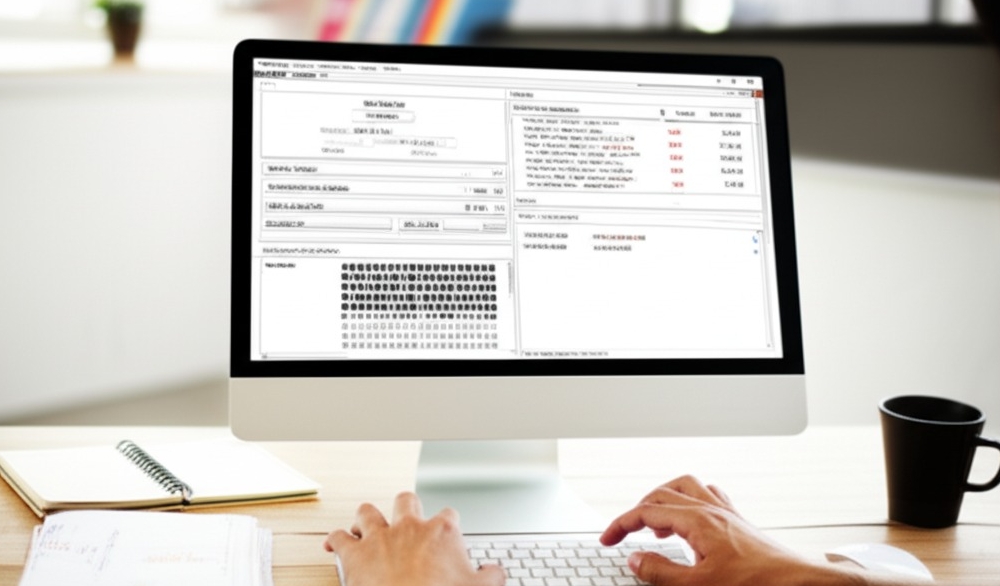
Setting Safe Lot Sizes Automatically
Automated trading means your lot size calculation needs zero guesswork. Good expert advisors handle position sizing by looking at your account balance, risk percentage, and leverage. For example:
Use 2% risk per trade
Adjust trade volume to match capital allocation
Re-calculate margin as equity grows
This keeps your risk management tight, even while you sleep.
Stop Loss and Take Profit Logic
Nailing your exit strategy is clutch. A sharp EA uses stop loss and take profit rules to lock in profit targets and limit losses. Some bots even trail stops behind price levels, turning a winning trade into a bigger win — or closing fast when the market flips. Always check your order management settings!
Monitoring Drawdowns in Real-Time
Watch your drawdown monitoring like a hawk. Real-time data shows your trading performance, account equity, and maximum drawdown. If your recovery factor tanks or risk exposure spikes, pause the bot and reassess. Pro tip: match your live data with historical data to catch sneaky issues early.
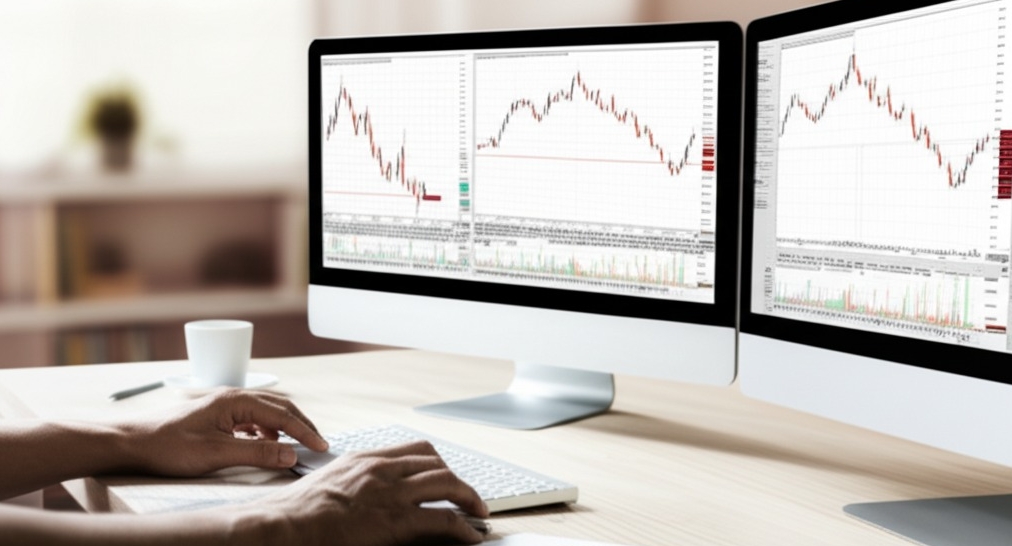
Diversifying EA Trading Pairs
Don’t bet the farm on one currency pair. Spread your expert advisor across multiple trading pairs or financial instruments. Diversification cuts correlation risk and balances your trading portfolio. Think cross-asset trading — more market exposure, less stress. As Warren Buffett says, “Never put all your eggs in one basket.”
EA Live Trading Tips
Trading an Expert Advisor live? Here’s how to make sure it runs smooth and doesn’t crash your party (or your account).
Choosing a Reliable VPS Hosting
A solid VPS hosting setup is like giving your EA a home gym—always on, fast, and built to perform.
Check uptime promises. Anything under 99.9% is a red flag.
Pick a provider with 24/7 support — things break, even at 2AM.
Performance counts. Look for low latency to your broker's servers.
Security matters. Firewalls, DDoS protection, and backups keep your data and trades safe.
Control panels like cPanel or Plesk make it easy to manage without needing to be a tech wizard.
"If your EA is down, your strategy might as well not exist," says VPS expert Jake O'Malley of FXHostPro.

When to Pause an EA
Sometimes the smartest trade is no trade. Know when to hit pause on your Expert Advisor:
Wild market volatility – Think major news drops, war headlines, or central bank decisions. Your EA wasn't trained for panic mode.
Unexpected drawdowns – If your backtested risk was 5%, and now it's sitting at 15%, something's off.
System hiccups – Did your strategy change but the EA didn’t get the memo? Time to revisit your optimization.
Holiday liquidity traps – Trading on skeleton volume can lead to slippage and false signals.
End-of-session shifts – Asian session EAs may stumble in London or New York overlaps.
Pro tip: Always recheck your backtesting against current market behavior. EAs need adjusting, just like strategies do.
Conclusion
So, can an MQL4 Expert Advisor make you a Forex winner? Heck yeah—if you treat it like your wingman, not your golden goose. Smart plan in, smart trades out.
As Buffett puts it: “Risk comes from not knowing what you’re doing.” Backtest it, tweak it, babysit it—then let it work its magic.
Gear up, test small, and let the robot hustle while you sleep. Trade smart, stay chill, and watch your account breathe easy.
An MQL4 Expert Advisor (EA) is a script coded in the MQL4 language for MetaTrader 4. It automates your trading rules, so you don’t have to babysit charts all day.
There’s no universal minimum, but:
Many traders start with $500–$1,000 to give the EA enough room to manage trades properly.
Lower balances might mean higher risk per trade.
Always test on a demo account before going live.
Some free EAs can be decent learning tools, but many are poorly coded or outdated. Test rigorously and don’t risk real cash until you trust the logic.
Backtesting lets you see how an EA would have performed in the past:
Use MetaTrader’s Strategy Tester.
Test over at least 2–5 years of data.
Check for stable profit and acceptable drawdown.
Watch for “curve fitting” — an EA that’s perfect in the past might flop live.
Yes, but tread carefully:
Make sure EAs don’t conflict by managing the same trades.
Use separate charts for each EA.
Monitor your margin level to avoid over-leveraging.
Nope. EAs follow code — not magic. Market conditions change, so an EA that works now can fail later. Keep an eye on performance and adjust when needed.
Look for:
Many traders use Forex-specific VPS providers like ForexVPS or Beeks.
Low latency (close to your broker’s server)
99% uptime
Good customer support
This depends on market volatility:
Review monthly or quarterly.
Major news or market shifts may require tweaks sooner.
Always backtest changes before using them live.
Good rule of thumb:
Verify real trading records, not just marketing hype.
Read unbiased reviews or trader forums.
Check for consistent performance across different pairs.

