


Choosing a forex app is less about finding the most indicators and more about avoiding the mistakes that become expensive on a small screen: using the wrong regulated entity, confusing a charting app with a broker, overlooking the full trading cost, or sending an order without a defined exit. This research-led guide helps U.S. readers compare the best forex trading apps by the jobs they need to do—not by a one-size-fits-all ranking.
Editorial note: This is an educational review based on public product information, not a record of personal ten-year live-app testing or individualized investment advice. Availability, account eligibility, instruments, and fees can change, so confirm details directly with the provider before funding an account.

Quick answer: what makes a forex app worth using?
The best forex trading apps for a U.S. trader are usually a combination, not a single download: a broker app for account access and order execution, plus a charting or calendar app for analysis. Start with legal eligibility and the broker’s registration, then assess order controls, total cost, market data, stability on your device, security, and how the app behaves when markets move quickly.
For U.S. retail forex, do not treat an attractive global app listing as proof that you can open or use the same account. Check the exact legal entity serving your state and verify registration and disciplinary information through NFA BASIC. The CFTC’s forex fraud advisory also warns against promises of easy or guaranteed gains and says not to commit money you cannot afford to lose.
My framework for comparing the best forex trading apps
“Best” changes with the trading job. A short-term trader may prioritize a quick order ticket and visible spread; a multi-asset investor may want currencies alongside stocks and futures; a newer trader may benefit more from a simpler ticket, practice mode, and position-sizing tools. Use this checklist before comparing star ratings or promotional offers.
| Decision area | What to check in the app | Why it matters |
|---|---|---|
| U.S. eligibility and oversight | The legal entity, state availability, risk disclosures, and NFA/CFTC status | Brand names can span several jurisdictions with different rules and protections. |
| Order control | Market, limit, stop, and any conditional order options; clear confirmation screens | A mobile workflow should reduce accidental entries and help define an exit before a trade is sent. |
| Total cost | Typical spread conditions, commissions, financing/rollover, conversion, and withdrawal terms | A tight headline spread is not the whole cost of a position. |
| Analysis workflow | Chart layouts, alerts, watchlists, calendar/news access, and syncing with web or desktop | It is easier to follow a plan when the same levels and alerts appear across devices. |
| Risk tools | Position-size visibility, margin details, realized/unrealized P&L, and stop-order behavior | Small screens make it easy to misread size, direction, or the cost of a stop. |
| Security and support | Biometric login, two-factor authentication, official-store download links, and a reachable support route | Account access and recovery matter as much as chart features. |
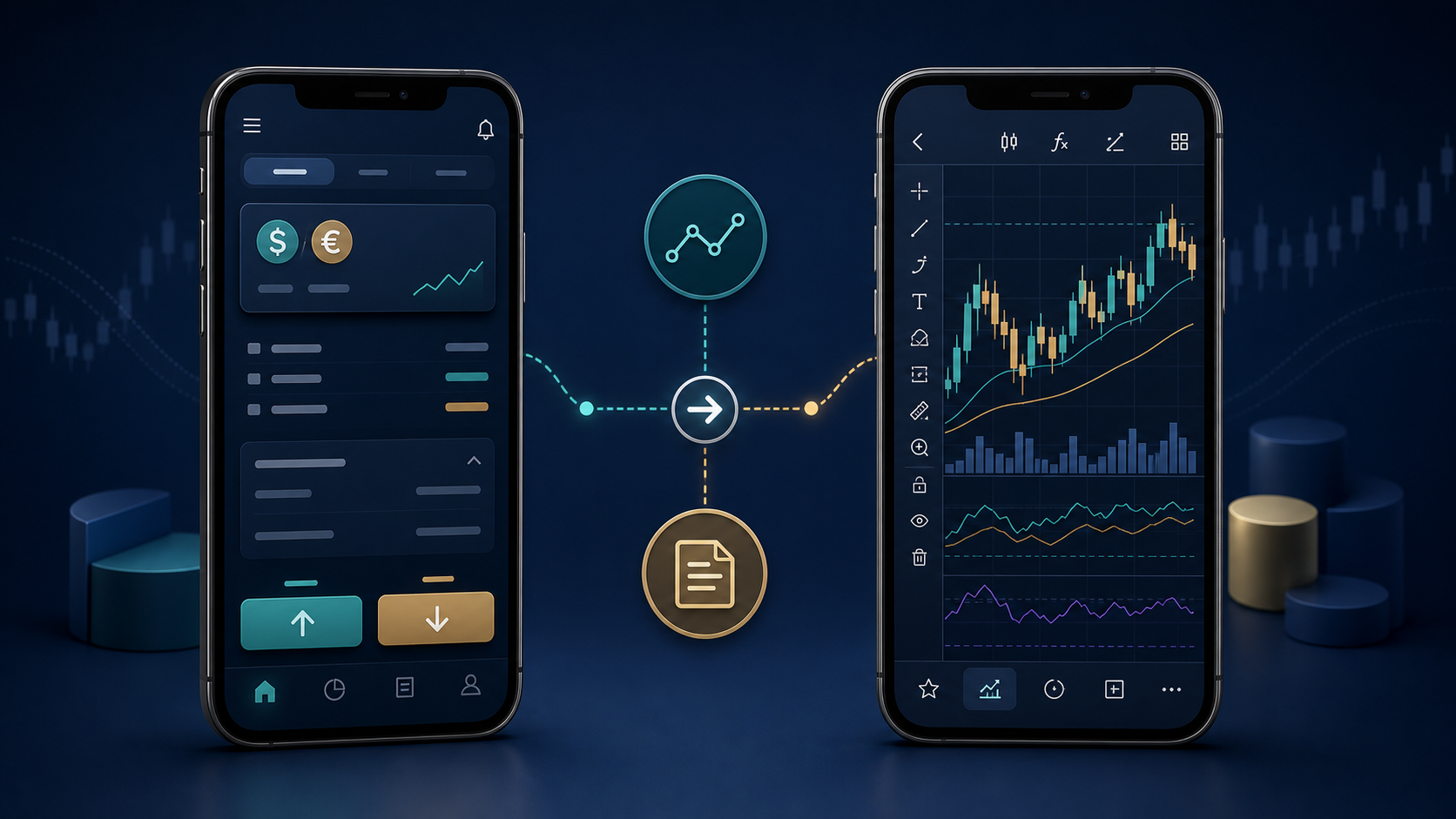
Five app types to put on a U.S. shortlist
This is a shortlist of categories and examples to investigate, not a claim that each service is available to every U.S. resident or a recommendation to open an account. Read the current disclosures, app-store listing, fees, and account agreement yourself.
1. A U.S.-serving broker-native app: OANDA
OANDA is worth evaluating if you want a broker app centered on spot forex. Its U.S. help center lists OANDA Mobile, OANDA Web, TradingView, and MetaTrader 4 among its platforms, and its U.S. account guidance says residents of the United States and its territories may apply to OANDA Corporation, subject to application requirements. The useful question is not whether the app has every feature; it is whether its order ticket, pricing model, and supported platform connection fit your plan. OANDA’s published core-pricing explanation shows why you should compare spread and commission together rather than treating either number in isolation.
Read the provider’s U.S. platform help, account-eligibility information, and core spread-and-commission explanation before comparing it with another app.
2. A multi-asset mobile platform: IBKR Mobile
Interactive Brokers’ mobile platform may suit someone who wants currencies alongside other asset classes and is comfortable with a denser interface. The official IBKR Mobile page describes access to currencies and other markets, watchlists, research, alerts, and advanced order types. That breadth can be valuable, but it also makes a careful demo or paper walkthrough especially important: make sure you understand the currency pair convention, order duration, margin display, and data-subscription implications before relying on it away from your desk.
Review the official IBKR Mobile overview and its platform comparison; then confirm that the specific account, products, and permissions you need are available to you.
3. A broker platform with connected analysis
Some traders prefer a broker account that can connect to a familiar charting environment rather than forcing every decision into the broker’s native mobile interface. This can make alerts, drawings, and watchlists easier to manage. The trade-off is operational: confirm which functions are available on mobile, whether order routing is supported for your particular account, and which app controls your live orders. A chart can inform a decision without being the place where the order is ultimately placed.
4. A charting companion app
A charting app can be the right first download for a reader who is still learning structure, alerts, and risk planning. It is not automatically a forex broker, and a visible price feed is not automatically the executable price on your account. Set alerts at levels you have defined ahead of time, then compare the broker’s executable bid/ask and the order ticket before trading. This division of labor is often safer than reacting to every phone notification.
5. A practice-first setup
For a newer trader, a demo account or simulated workflow can be more useful than another live app. Practice the unglamorous sequence: choose a pair, calculate position size, enter a stop level, review the estimated cost, place a small simulated order, and find the trade history. A demo does not reproduce slippage, stress, or all live costs, but it can expose confusing navigation before real funds are involved.
What I would test before funding any app
Download only from the provider’s official website or a verified app-store link. Check the publisher name and permissions.
Confirm the account entity, country eligibility, and registration information. Do not rely on a social-media profile, referral link, or an unfamiliar support contact.
Open a demo or use a small, planned test only after reading current terms. Navigate the order ticket without rushing.
Set a watchlist, price alert, and a single chart layout. Confirm that they sync where you expect.
Price a hypothetical trade in units or lots, including the stop distance and the loss you would accept if the stop executes at its intended level.
Read the spread, commission, overnight financing, funding, withdrawal, and inactivity terms that apply to your account—not an ad’s headline price.
Locate account statements, support, password recovery, and the procedure for reporting a problem before you need them.
EasyCashBackFX publishes a position size and risk calculator and a forex rebate calculator. These can help frame a trade or cost comparison, but they do not replace the broker’s own current pricing, margin, and eligibility information.

Costs that a polished app can hide
A pleasing interface does not make a trade inexpensive. Compare the all-in cost for the pairs and trade sizes you actually expect to use. Depending on the provider and account, that may include bid-ask spread, commission, overnight financing or rollover, market-data subscriptions, currency conversion, deposit or withdrawal charges, and the opportunity cost of idle cash. Costs also change with liquidity and the time you hold a position.
For example, a core-pricing model can combine a variable spread with a fixed per-side commission. OANDA’s published U.S. explanation gives a worked example of this structure, but its numbers are provider-specific and can change. Use it as a reminder to calculate both sides of your own prospective trade, not as a universal benchmark.
If you are comparing rebate programs, separate the app decision from the rebate decision. EasyCashBackFX explains its cashback and broker-rebate offers and publishes a plain-language cashback explainer. Before linking an account, verify the eligible broker, account type, trade conditions, payout method, and the program terms that apply to you. A rebate does not eliminate trading loss, spread, commission, or leverage risk.
Mobile risk management: the feature that matters after the chart
Mobile trading can turn a planned order into an impulse order because the market is always in your pocket. A practical app should let you see the pair, direction, size, available margin, order type, and stop level clearly before confirmation. It should also make it easy to review an open trade without searching through several screens.
Before an order, decide the maximum dollar amount you are prepared to lose if the trade invalidates. Work backward from that number to the position size. A stop order is a risk-control instruction, not a promise of an exact exit price in every market condition. Keep enough free margin for normal market movement, and avoid increasing size merely because an app makes the next order easy to place.

Security and reliability checks
Use a unique password and enable the provider’s strongest available multi-factor or biometric sign-in option.
Install updates promptly and avoid sideloaded copies, clone apps, or links sent through unsolicited messages.
Keep account-alert notifications on for sign-ins, withdrawals, password changes, and order activity when available.
Do not share a one-time code, recovery phrase, or remote-access control with a person claiming to be support.
Know how the app behaves on a weak connection. If you cannot verify an order, do not repeatedly tap submit.
Save the official support and complaint route from the provider’s site. EasyCashBackFX lists its support contact options for questions about its own services; broker-account problems should be raised with the relevant broker first.
A sensible U.S. selection process
Build a two- or three-app shortlist with different strengths. First verify which broker entities can lawfully serve you. Next, compare a repeatable sample—perhaps the same major pair, trade size, and holding period—using current disclosures. Then conduct a dry run on each order ticket. Only after that should features such as social sentiment, drawing tools, or promotional rebates influence the decision.
Readers who want a broker comparison starting point can review EasyCashBackFX’s forex broker reviews and filters, then independently verify current U.S. eligibility, regulation, and account terms. A comparison page is a research aid, not a substitute for the broker’s disclosures or regulatory records.

Bottom line
The best forex trading apps are the ones that let you verify who you are dealing with, understand your all-in cost, manage size and exits clearly, and secure your account. For many U.S. readers, that means choosing a regulated broker app for execution and pairing it with a separate analysis workflow. A beautiful chart is optional; clear risk controls and current provider disclosures are not.
Frequently asked questions about the best forex trading apps
What are the best forex trading apps for U.S. residents?
The right choice depends on eligibility, the broker entity, desired instruments, cost model, and your preferred workflow. Start by verifying that a provider may serve you and by checking NFA/CFTC records. Then compare the app’s order controls, current fees, support, and security rather than relying on a generic global ranking.
Is a charting app the same as a forex broker app?
Not necessarily. A charting app may provide prices, indicators, alerts, or drawings without holding your account or executing trades. Confirm where orders are sent, which account is connected, and whether the quoted price is executable for your account.
How do I check whether a forex provider is legitimate in the United States?
Identify the exact legal entity in the provider’s account agreement, then search it in NFA BASIC and review current CFTC information. Be wary of anyone who discourages written disclosures, rushes a deposit, or guarantees profit.
Which costs should I compare in a forex app?
Check spread, commission, overnight financing or rollover, conversion, funding, withdrawal, and any data or inactivity charges that apply to your account. Compare the all-in cost for the pairs, size, and likely holding period you expect to use.
Can I trade forex safely from a phone?
A phone can be a useful trading tool, but it does not remove market, leverage, execution, or connectivity risk. Use strong account security, verify every order, predefine risk, and avoid treating notifications or rapid price moves as a reason to trade without a plan.
Should beginners start with a demo account?
A demo can help you learn an app’s order ticket, charting, statements, and risk controls. It cannot fully recreate live execution, slippage, or emotional pressure, so use it as a navigation and planning exercise rather than proof that a strategy will work live.
Do low spreads automatically mean a better forex app?
No. A lower quoted spread may be paired with commissions, variable conditions, financing charges, or account requirements. Check the complete pricing schedule and calculate the likely cost of opening and closing your usual trade size.
What security features should a mobile trading app have?
Look for a verified distribution channel, strong password controls, multi-factor authentication, biometric sign-in where available, session and withdrawal alerts, and clear support/account-recovery guidance. No feature guarantees security, so your device hygiene and skepticism toward unsolicited contacts also matter.
Can forex rebates reduce my trading costs?
A rebate may reduce a qualifying cost under its stated terms, but it does not erase spreads, commissions, financing, price movement, or loss risk. Confirm eligible brokers, account types, payout mechanics, and current program conditions before linking or funding an account.
What should I do if a forex app asks me to deposit urgently?
Pause. Verify the provider independently through its official site and regulatory records, request terms in writing, and do not send money you cannot afford to lose. Pressure, guaranteed-return language, and demands for fast transfers are warning signs highlighted by the CFTC.
Sources and editorial disclosure
Key public sources consulted include the CFTC forex fraud advisory, NFA BASIC, OANDA’s U.S. support materials, and the IBKR Mobile product page. EasyCashBackFX is referenced for its site tools and publicly listed services. No claim is made that the publisher tested every app, received compensation from every named provider, or achieved any trading result.