


Choosing a forex app is less about finding a universal winner and more about matching a platform to the way you plan, place, and manage trades. MetaTrader 4 (MT4) remains a practical choice for traders who value a familiar desktop workflow and broker portability. A broker's custom platform can be the better fit when you want a simpler mobile experience, integrated account tools, or a support path tied to one provider. The best forex trading apps are the ones that let you verify the broker, understand the costs, and control risk before an order is sent.
For U.S. residents, the broker relationship matters at least as much as the app. A polished interface does not establish that a firm is authorized to serve you, and it does not reduce market or margin risk. Confirm the provider's current eligibility and disclosures before funding an account.

Quick answer: MT4 wins for flexibility; custom apps can win for convenience
MT4 is usually the stronger choice when your routine depends on desktop charts, a particular indicator setup, automated tools, or the ability to use a familiar terminal with more than one compatible broker. Custom platforms often feel more coherent when you mainly check markets, manage an existing account from a phone, or want funding, statements, research, and support in one branded environment.
Neither label guarantees better pricing, faster execution, or safer trading. Those points depend on the broker, account type, instrument, liquidity conditions, and your location. Treat the app as an execution and analysis tool—not proof that a trading offer is suitable.
MT4 vs custom forex platforms at a glance
| Decision factor | MT4 | Custom broker platform | What to verify |
|---|---|---|---|
| Desktop workflow | Often suits traders who use multiple charts, templates, indicators, and desktop routines. | May be streamlined for the broker's own account ecosystem; depth varies widely. | Compare charting, order tickets, alerts, and whether essential features work on the device you use most. |
| Broker portability | A familiar interface can be available through multiple MT4-compatible brokers. | Usually tied to one broker or group. | Ask whether your watchlists, history, alerts, and settings can be moved or exported. |
| Mobile use | MT4 offers iOS and Android apps with charts, order types, account monitoring, history, and notifications. | Can be designed around quick account access and broker-specific features. | Do not assume the mobile app has every desktop function; try a demo or read the current feature list. |
| Automation and customization | Often attractive to desktop users who rely on established MT4 tools and workflows. | Usually more controlled; automation and third-party tools may be limited or offered differently. | Check compatibility, permissions, hosting needs, costs, and how the tool behaves when connectivity fails. |
| Account and support integration | Trading access is commonly separate from a broker's client portal. | May combine onboarding, deposits, statements, research, and help in one place. | Read the broker's funding, withdrawal, support, and risk-disclosure information—not just the app-store description. |

Start with the broker, not the app icon
For a U.S.-based trader, platform selection begins with whether the provider is properly available to you and whether its account conditions make sense. The Commodity Futures Trading Commission (CFTC) warns that off-exchange forex is risky, that fraud is prevalent, and that margin can produce losses beyond the initial deposit. It also notes that, in most cases, roughly two out of three retail forex accounts lose money in a quarter. Read the CFTC's forex fraud guidance before treating an app download as a trading decision.
Then use the National Futures Association's BASIC search to research a firm's background, registration and membership information. Match the firm's name, contact details, and the offer you received; a similar name or a copied registration number is not enough. Registration and membership status do not eliminate trading risk, but they are foundational checks.
When MT4 is the better fit
MT4 is most compelling when the desktop terminal is central to your process. You may prefer it if you build repeatable chart layouts, work with indicators already designed for the platform, or need a familiar interface when evaluating a compatible broker. Its mobile apps are available for iOS and Android and include interactive charts, common order functions, account monitoring, trade history, and notifications, according to MetaQuotes' MT4 mobile overview.
That does not mean MT4 is automatically the best mobile experience. A smaller screen can make detailed analysis, multi-chart review, and precise order review harder. A trader who mainly uses a phone for quick checks may find a custom app more comfortable, while still preferring MT4 for desktop work. Confirm which account types, instruments, order controls, and server connections the broker actually supports on MT4 before opening or migrating an account.
Consider MT4 first when portability, desktop chart routines, and existing MT4-compatible tools matter.
Pause and test if a mobile-only workflow is non-negotiable, because a desktop-oriented platform may feel cramped on a phone.
Do not infer that a broker offering MT4 has identical spreads, commissions, execution conditions, or leverage across every account type.
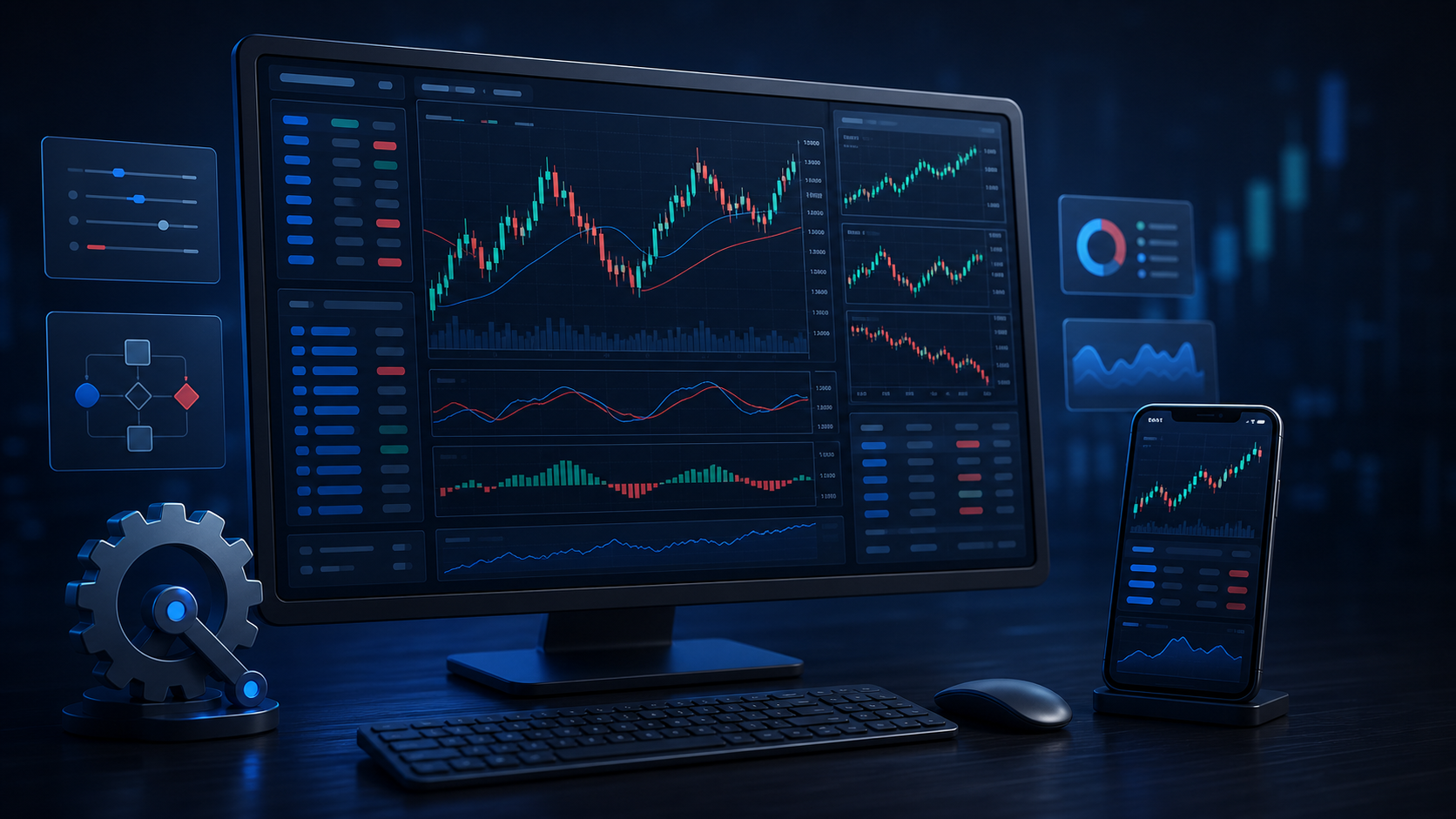
When a custom platform is the better fit
A broker-built platform can be a sensible choice when you want fewer moving parts. Some custom apps place account documents, funding options, market updates, alerts, order entry, and customer support close together. That can reduce the handoffs between a client portal and a separate trading terminal. It may also make routine tasks—such as checking margin, reviewing an open position, or finding a statement—easier on a phone.
The tradeoff is dependence on one provider's product decisions. Feature sets, update schedules, charting depth, export options, and third-party integrations can change. If a feature is critical, ask the broker to point to current documentation rather than relying on a promotional screen. Also check how the platform explains order status, spread, commission, swap or financing charges, and any relevant conversion costs.
Consider a custom platform first when you value a focused mobile experience and account-service integration.
Look for friction in funding, withdrawals, activity reports, alerts, and dispute or support paths before you deposit.
Keep records of confirmation screens, statements, and communications; the app should make these easy to access.

How to compare the best forex trading apps without chasing marketing claims
Use the same short checklist for every app. It keeps a visually impressive terminal from distracting you from the things that affect your real workflow and cost.
Verify the provider. Confirm current U.S. eligibility, regulatory status, and the exact legal entity that will hold the account. If the offer includes signals, managed trading, or automated tools, investigate those parties too.
Read the account terms. Compare spreads, commissions, financing or rollover treatment, minimums, inactivity terms, deposits, withdrawals, and currency-conversion costs. A platform interface cannot make an unfavorable account structure favorable.
Test the order workflow. In a demo where available, find the market, pending, stop-loss, and take-profit controls. Review what information appears before confirmation and what happens when you modify or close an order.
Check the risk tools. Look for a clear margin display, alerts, confirmation settings, and easy access to position-size information. A position-size calculator can help turn a stop distance and chosen risk amount into a proposed trade size, but it does not guarantee an execution price.
Plan for news and outages. Major releases can bring rapid price changes and wider spreads. Review an economic calendar before holding positions through scheduled events, and know how you would contact support if the app is unavailable.
Review independent documentation. Save the risk disclosure and terms you relied on. Avoid offers that promise fixed returns, effortless profits, or a secret route to the interbank market; these are red flags highlighted by the CFTC.
Costs and execution: the part no app design can settle
Two traders can use the same platform and face different costs because they have different broker entities, account types, instruments, volumes, or overnight holding periods. Compare the all-in cost for the specific pairs and trade style you expect to use. For example, a narrow quoted spread may be paired with a commission; frequent trading can make either item meaningful. Overnight positions can add financing considerations, and volatile periods can produce price gaps or fills that differ from a displayed level.
If you are researching broker offers, EasyCashbackFX's forex rebates page provides a starting point for comparing published rebate arrangements. Read the applicable broker and service terms carefully, because eligibility, payment method, account type, and rates can change. A rebate is a cost consideration, not an investment return and not a substitute for verifying the broker or managing risk.
A practical decision rule
Choose MT4 if a desktop-oriented routine, familiar templates, and compatible tools are the reason you are evaluating a new account. Choose a custom platform if your priority is a clean mobile workflow and the broker's own account services are genuinely useful to you. Use both only if the broker supports that arrangement and you understand which platform controls each action.
Before committing funds, run the same five-minute check: verify the firm, read the risk disclosure, inspect the costs for your intended instrument, test order controls in a demo if available, and decide the maximum amount you can afford to lose. For platform questions or help locating site resources, visit EasyCashbackFX support.

Important risk note for U.S. forex traders
Forex and margin trading involve substantial risk and may not be suitable for everyone. You can lose all of the money committed to a trade and, depending on the product and terms, potentially more. This article is educational information, not individualized investment, legal, or tax advice. Platform availability, broker eligibility, pricing, and regulatory status can change; verify current details directly with the relevant provider and regulator before acting.
Frequently asked questions
Is MT4 still a good choice for forex trading?
It can be a good choice if its desktop workflow, chart setup, and compatible tools match your routine. Its suitability still depends on the broker's current offering, account conditions, and whether you need features that work well on mobile. A platform is only one part of the decision.
Are custom broker apps better than MT4?
Not automatically. Custom apps may be easier for account management and mobile use, while MT4 may better suit a flexible desktop routine. Compare the exact order controls, charting, account tools, costs, and documentation offered by the broker you are considering.
What should U.S. traders check before opening a forex account?
Confirm that the firm and the exact offer are currently available to U.S. customers, research the firm through NFA BASIC, read the risk disclosure, and review the account terms. Do not rely solely on an app listing, social-media promotion, or a promise of returns.
Do the best forex trading apps guarantee faster execution?
No. Execution can depend on the broker, account type, market conditions, connectivity, order type, and liquidity. Review the broker's current execution disclosures and test a demo workflow if one is offered. No interface design can eliminate market gaps or volatility.
Can I use MT4 on a phone?
MetaQuotes provides MT4 mobile applications for iOS and Android. Their published features include charts, common order functions, account monitoring, trade history, and notifications. Confirm that your chosen broker supports the relevant server and account on the mobile app.
Does a forex app include a broker account?
Usually, the app or terminal is the interface used to access an account, while the broker or other provider supplies the account relationship, pricing, and terms. Check the legal entity, account agreement, and funding process rather than assuming the platform developer is your broker.
How do spreads and commissions affect app choice?
They affect the trade cost, but they are account and broker terms rather than platform labels. Compare the all-in cost for the pairs, volume, and holding period you expect to use. Also review financing, conversion, and withdrawal terms where relevant.
Should beginners use a custom app or MT4?
Beginners often benefit from whichever interface makes it easier to understand order details, margin, and risk controls. Start with a demo where available, keep trade size conservative, and avoid treating an easy-to-use app as a reason to take more risk.
Can a position-size calculator prevent losses?
No. It can help estimate a trade size from chosen risk inputs and a stop distance, but prices can gap, spreads can change, and an order may not fill at an expected price. It is a planning aid, not a protection against loss.
What are red flags when choosing a forex platform?
Be cautious of guaranteed profits, pressure to fund quickly, demands to pay by crypto to unlock withdrawals, missing disclosures, unclear legal entities, and claims of special interbank access. Verify firms independently and keep money needed for living expenses or savings out of speculative trading.